

AI clipping for YouTube Shorts

Long videos in.
Scroll-stoppers out.

Riffcut watches your whole upload, finds the moments people actually react to, and cuts them into captioned vertical Shorts — then hands you the timeline to fix every frame.

Free to try · No card · YouTube, uploads, and 6-hour livestreams

ep_148_final_cut.mp4 1:42:18 · 1080p60
Autosaved Template: Podcast Chop Export 9:16
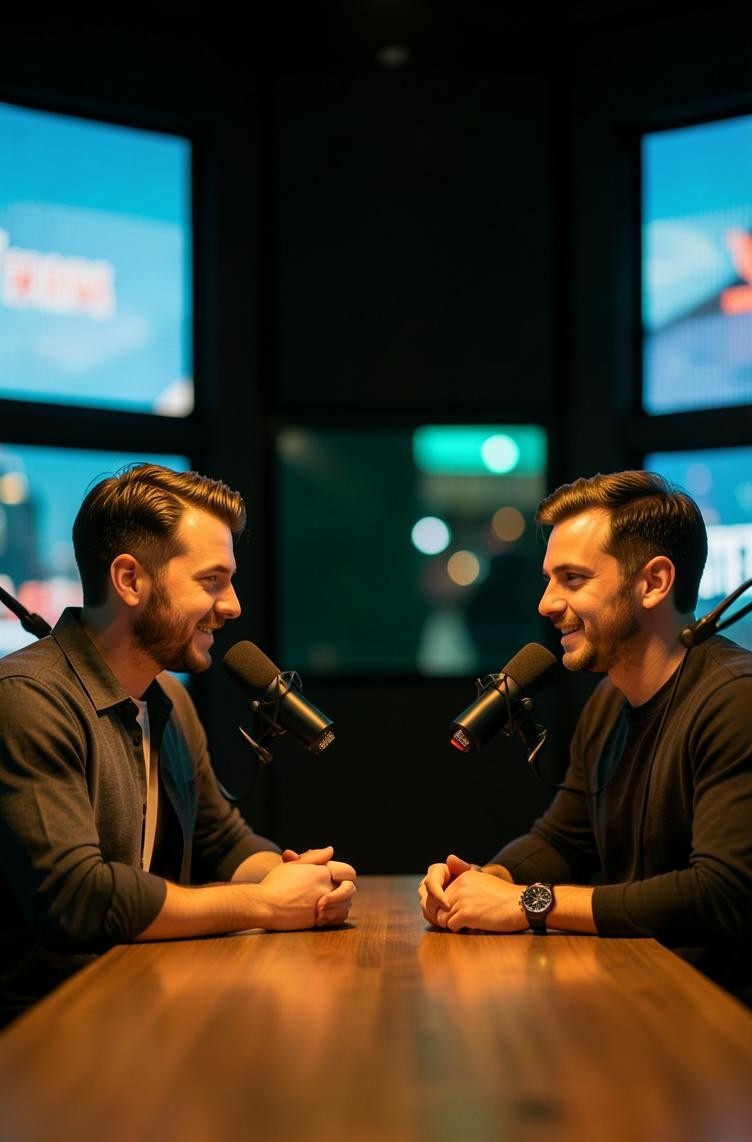
Podcast frame inside the Riffcut editor
MOST PEOPLE QUIT AT THE BORING PART
9:16 · 1080×1920
00:04:12.08
V1
hook_01
b_story
punch
gap
A1
C1
Most people quit…
…at the boring part
Here's the fix
And it takes 4 minutes

The actual editor, not a screenshot. Click a moment — that's how you review AI picks.

2.4Mshorts exported
18clips per video, avg.
3.9 minlink → first draft
4.9★from 3,200 creators
How it works

Three steps. One afternoon saved.

No scrubbing a two-hour timeline looking for the good bit. Riffcut does the watching, you do the taste.

  1. 01

    Drop the link

    Paste a YouTube URL, upload a file, or connect your channel. Full episodes, phone footage, 6-hour streams — same flow.

    youtube · mp4 · mov · drive
  2. 02

    AI finds the moments

    Speech, laughter, scene changes and retention curves get scored. You get 10–30 ranked clips — each with a reason it was picked.

    hook score 94 · payoff at 00:38
  3. 03

    Cut it in the editor

    Trim to the frame, swap templates, restyle captions, nudge the vertical crop. Export to 9:16, 1:1 or 16:9 in one click.

    frame-accurate · 1080p · captions burned in
Everything in the box

A clipping studio, not a black box.

Automation gets you the first draft. The editor makes sure the final cut is yours.

Moment engine

It can tell you why a clip works

Every moment is scored on hook strength, payoff, pacing and how fast attention drops afterwards. Open a clip and you'll see exactly which sentence earned it an 94.

  • Hook, payoff and context markers on the timeline
  • Duplicate-idea detection so your Shorts don't repeat
  • Ranks by predicted swipe-through, not just loudness
hook_strength94
Hook Payoff Pacing Retention

“Most people quit at the boring part”

reason: contrast + open loop, no setup needed
Templates

Creator-style templates

Hook frames, bold captions, progress bars, punch zooms and sound cues. Pick one and every clip inherits it — then tweak anything.

Editor

Every cut, frame-accurate

Split, ripple, retime, and drag clips on a real multitrack timeline. Keyboard shortcuts if you're fast, handles if you're not.

Reframe

One take, every aspect ratio

Subject tracking keeps the face in frame when you go vertical. Drag the crop once and it follows them for the whole clip.

Captions

Captions you won't rewrite

Word-level timing, 32 languages, karaoke highlighting and emoji-free by default. Fix a word and the timing follows.

Brand kit & export

Loud, on-brand, ready to post

Upload fonts, colors and a logo once. Riffcut applies them across every clip, then exports platform-correct files with captions burned in and a clean copy for edits.

YouTube Shorts Reels TikTok Square 4K master
SO I TRIED IT
FOR 30 DAYS
shorts_01.mp4 1080×1920 · 60fps · 24.4 MB ready
Templates

Start from a look that already works.

Built from formats that keep people watching, not from a stock motion pack.

Podcast clip template preview MOST PEOPLE QUIT AT THE BORING PART Podcast Chop

Podcast Chop

Two-cam switching, speaker labels, karaoke captions.

used 128k times
Talking head clip template preview I REWROTE IT
IN ONE NIGHT
Talking Head Hook

Talking Head Hook

Big hook frame, subtitles at chest height, slow push in.

used 96k times
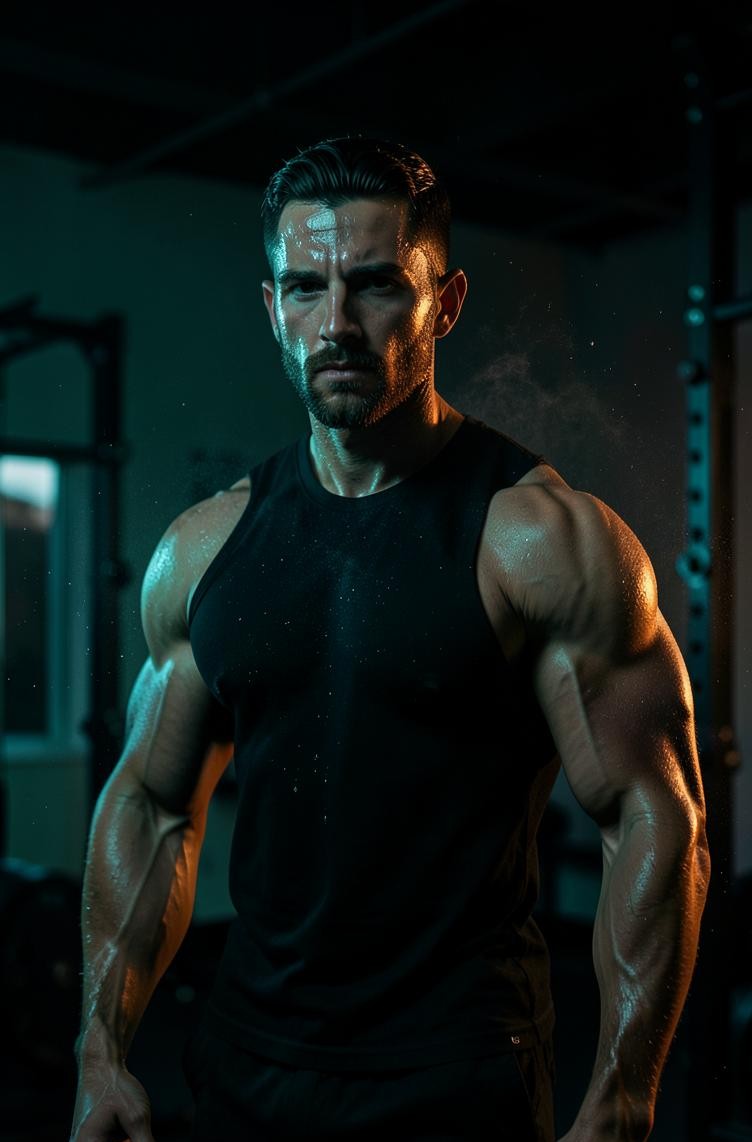
Gym clip template preview 30 DAYS.
SAME JEANS.
Gym Punch

Gym Punch

Hard cuts on the beat, stat cards, high-contrast type.

used 54k times
Street interview clip template preview NOBODY EXPECTED
THIS ANSWER
Street Cut

Street Cut

Question card, reaction zoom, lo-fi caption styling.

used 41k times

“I used to pay an editor $40 a clip. Now the first draft lands before I've finished my coffee and I only fix the three things I care about.”

Mara Lindqvist1.2M subs · weekly interviews
Pricing

Cheaper than one freelance edit.

Start free. Upgrade when your uploads outgrow the watermark.

Free

$0/mo

For trying it on one video.

  • 60 upload minutes / month
  • AI moments + 5 templates
  • 1080p export with watermark
  • Full editor access
Start free
Most popular

Creator

$19/mo

For posting 4–5 Shorts a week.

  • 10 upload hours / month
  • All templates + brand kit
  • No watermark, 1080p60
  • Auto-reframe and auto-captions
  • Scheduled uploads to YouTube
Clip on Creator

Studio

$49/mo

For teams and daily uploaders.

  • 40 upload hours / month
  • 3 seats with review comments
  • 4K masters + clean exports
  • Multiple brand kits
  • API and bulk import
Talk to us

annual billing saves 20% · cancel any time · unused hours roll over one month

FAQ

Questions, answered.

Still stuck? Message a human — we answer within a day.

How good are the AI picks, really?

Good enough to publish after a trim, not good enough to never check. Riffcut scores every candidate on hook strength, payoff and pacing, then shows you the sentence that triggered it. In our own test of 500 podcast episodes, 7 of the top 10 picks per episode were kept by editors without changes.

Do I need editing experience?

No. Pick a template, hit export, and you have a finished Short. If you do edit, the timeline behaves like the tools you already know: split, ripple delete, J/K/L scrubbing, undo.

What can I put in?

YouTube links (including unlisted and long livestreams), MP4/MOV/MKV uploads, and files from Google Drive. Audio-only podcasts work too — Riffcut builds the visuals from your cover art and captions.

Is the vertical crop automatic?

It starts automatic: subject tracking follows the speaker. You can drag the frame at any point and lock it, and it holds for the rest of the clip. Multi-speaker layouts switch as people talk.

Who owns the clips?

You do — as much as you own the source. Riffcut never trains on your uploads or publishes anything to your channel without you pressing the button.

Can I change a clip after the AI cut it?

Everything is editable: start and end frames, clip order, captions word by word, template, fonts, music bed, crop and loudness. Nothing is baked until you export.

What happens if I cancel?

Your projects stay viewable and downloadable for 90 days, and your exports are always yours. No lock-in, no surprise invoices.

Your next 20 Shorts are already in your last upload.

Paste the link. See the moments. Cut the ones worth posting.

No card required · First video is on us